Main perimeter
Enter the data and press Calculate

Calculate rhombus perimeter from side, or derive the side from diagonals and angle. Includes validations and unit conversions.
Compute the perimeter from a side, the diagonals, or side + angle.
Get the main perimeter, equivalent diagonals, acute angle, and instant conversions to mm, cm, m, inches, and feet.
Calculate to view the rhombus.
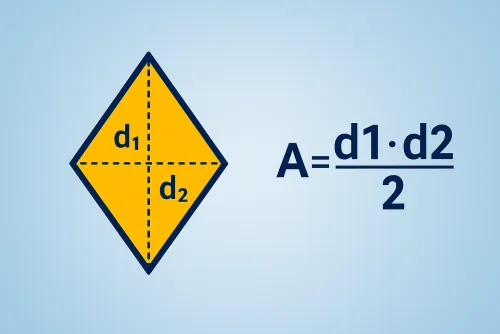
The perimeter of a rhombus comes from multiplying the side by four. If you only know the diagonals, find the side first: add the squares of both diagonals, take the square root, and divide by two. With the side and an acute angle, each diagonal equals the side multiplied by the square root of “two plus two times the cosine of the angle” for d₁ and “two minus two times the cosine of the angle” for d₂.
The calculator converts everything to meters internally and then shows the perimeter in your chosen unit with equivalents in mm, cm, in, and ft. It also displays the acute angle and the derived diagonals when they can be computed.
For diagonals of 14 cm and 9 cm, adding their squares, taking the root, and dividing by two gives a side of about 8.3 cm. Multiplying that number by four yields a perimeter close to 33.2 cm. The tool also reports an acute angle of 63° plus all perimeter conversions to meters, millimeters, inches, and feet.
Enter either the side, both diagonals, or the side with an interior angle. The tool adapts the formula and fills in the missing values when possible.
The main perimeter uses the unit you select (mm, cm, m, in, or ft) and the conversion panel lists every equivalent at once.
Improve this calculator
Send us the example so we can review this calculator and turn real cases into improvements or automated tests.