Main area
Enter your data and press Calculate

Compute parallelogram area, perimeter, and conversions using base-height, sides-angle, or diagonals-angle data.
Compute area, perimeter, and conversions from base-height, sides plus angle, or diagonals plus angle.
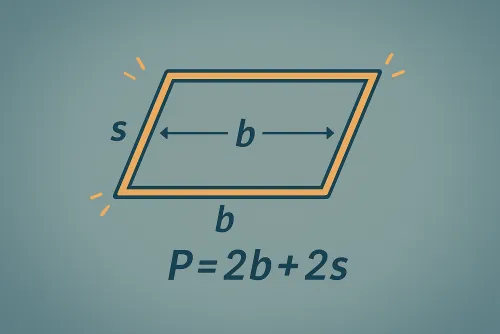
Base and height are drawn at relative scale; diagonals appear when the method can rebuild them.
Enter the base and its perpendicular height; the calculator applies A = b · h, shows the main area in your chosen unit, and adds the most common conversions.
Yes. If you know adjacent sides a and b and the interior angle θ, the tool uses A = a · b · sin(θ). It accepts acute or obtuse angles as long as they are between 0° and 180°.
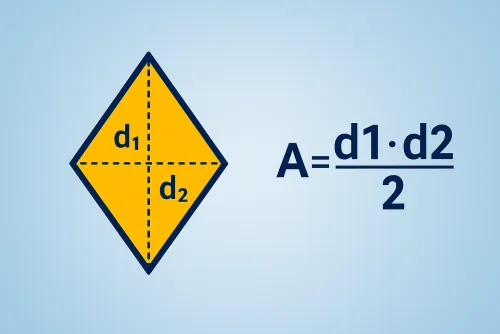
Select “Diagonals d₁,d₂ + angle” to apply A = (d₁ · d₂ · sin(θ)) / 2. The form checks that the diagonals and angle describe a valid parallelogram before returning area and perimeter.
Beyond the main area you get the perimeter, relative height, reconstructed diagonals when applicable, and conversions to mm², cm², m², in², and ft². The “Copy results” button lets you save every output at once.
Improve this calculator
Send us the example so we can review this calculator and turn real cases into improvements or automated tests.