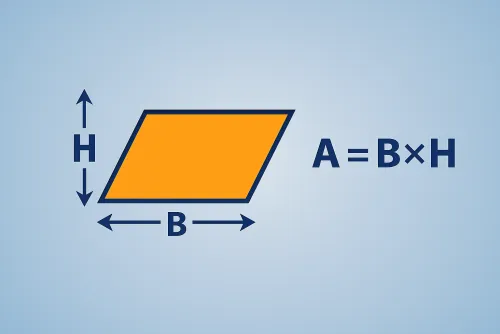
Main perimeter
Enter the data and press Calculate

Compute a parallelogram perimeter from base and side with automatic unit conversions.
Find the perimeter from the known sides with instant conversions.
Enter the base and the slanted side in your preferred unit, set the decimals and copy the results with one click.
| Concept | Value |
|---|---|
| Perimeter | — |
Add the base and the slanted side and then double that total. That is the same as saying “perimeter equals two times the sum of the two different sides.” Measure both in the same unit before doing the math.
The calculator normalizes the unit you choose (mm, cm, m, in or ft), computes the perimeter and shows every conversion automatically. Set the decimals to copy the result with the rounding you need.
If the base is 8.4 cm and the side is 6 cm, add them (8.4 + 6 = 14.4) and multiply by two for a 28.8 cm perimeter. The results panel also displays the equivalents in meters, millimeters, inches and feet.
Just enter the base and the slanted side of the parallelogram in your preferred unit.
Add the base and the slanted side and double the result. That’s the whole calculation.
You can work with millimeters, centimeters, meters, inches and feet, and the tool shows the perimeter converted to all of them.
Improve this calculator
Send us the example so we can review this calculator and turn real cases into improvements or automated tests.