Main area
Enter your data and press Calculate

Compute circle area from radius or diameter, with unit conversions and configurable decimals.
Work out the area of a circle online from a radius, diameter or known surface value in seconds.
Review the main area alongside the equivalent radius and diameter plus automatic conversions to mm², cm², m², in² and ft² with your preferred decimal precision.
| Measure | Result |
|---|---|
| Radius | — |
| Diameter | — |
| Circumference | — |
| Area | — |
Select whether you know the radius, diameter, circumference or an existing area, enter the value in the correct unit and press Calculate. The results card shows the main surface plus the matching radius, diameter and perimeter.
Yes. Pick the “Circumference” mode, type the edge length and the calculator solves for radius and diameter before returning the area, so you don’t need to divide by 2π on your own.
You can work in metres, centimetres, millimetres, inches or feet. After computing, the area is shown in the entered unit and also in mm², cm², m², in² and ft², and you can copy every output with one click.
You can set 0–10 decimals and choose π between Math.PI, the 22/7 approximation or your own custom value. Rounding is applied consistently to every displayed measurement.
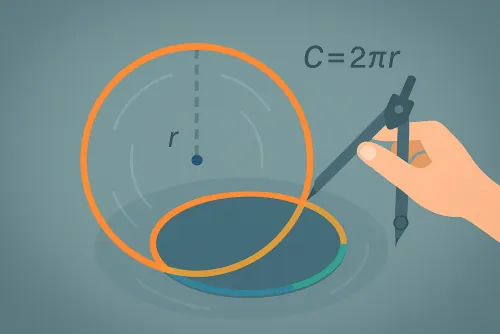
It relies on A = π·r² for the area, d = 2r for the diameter and C = 2πr for the circumference. When you enter C it applies A = C² / (4·π), then converts each result to the listed units.
Improve this calculator
Send us the example so we can review this calculator and turn real cases into improvements or automated tests.