Binary to hexadecimal converter
Convert binary to hexadecimal by grouping 4-bit nibbles, with optional padding. Includes decimal and octal equivalents, steps, and quick copy.
Binary to Hex Calculator Online (Step-by-Step)
Convert binary to hexadecimal instantly with BigInt, group bits in 4s, and also get decimal and octal equivalents without losing digits.
Hexadecimal
—
Normalized binary
—
Decimal
—
Octal
—
Bit length
—
Automatic steps: group into nibbles (4 bits)
Nibble Value Hex
| Nibble (4 bits) | Decimal value | Hex digit |
|---|
How to convert binary to hexadecimal
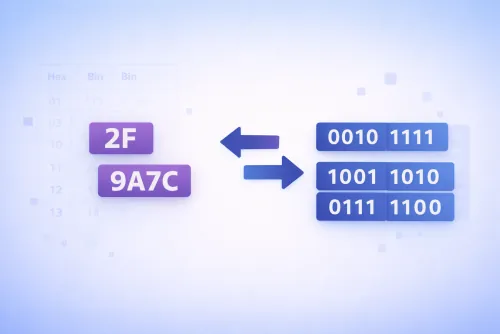
The trick is to group from right to left in 4-bit blocks (nibbles). Each block maps to a digit from 0–F without going through decimal, which prevents rounding errors.
- Clean the input. Keep only 0s and 1s; spaces, underscores, and the 0b prefix are ignored.
- Pad to multiples of 4. If the first block is incomplete, add leading zeros to make a full nibble.
- Convert each nibble. 0000→0, 1001→9, 1010→A, 1111→F. It’s a direct 4-bit-to-digit mapping.
- Join the digits. Concatenate all nibbles to get the final hex (e.g., 0110 1101 → 6D).
- Validate and reuse. Check lengths, copy the result, and grab decimal or octal if you need other bases.
Quick example: 1101101 → (pad) 0110 1101 → 6 and D → 6D.
0000 → 0
0001 → 1
0101 → 5
1001 → 9
1010 → A
1100 → C
1111 → F
Frequently asked questions
We accept 0s and 1s with an optional 0b prefix and separators using spaces or underscores. Before calculating, we clean the string to work only with bits.
By default we pad to the minimum length that covers all bits (a multiple of 4). You can disable padding or set a specific length (8 or 16 digits) in advanced options.
Yes. We use
BigInt to handle long binary inputs and convert them to hex, decimal, or octal without losing precision.
Leading zeros don’t change the value but remain if padding is enabled. The calculator works with unsigned integers; for negatives, convert to two’s complement before entering the bits.
Improve this calculator
Found an error or missing a feature?
Send us the example so we can review this calculator and turn real cases into improvements or automated tests.