Summary table
| Measure | Result |
|---|---|
| Side | — |
| Diagonal | — |
| Perimeter | — |
| Area | — |

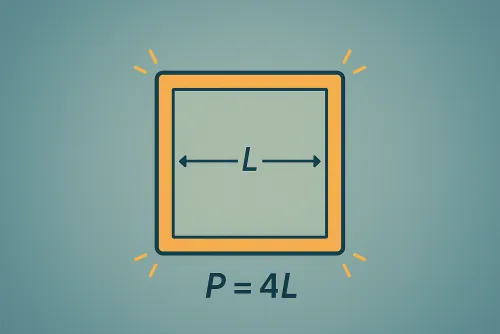
Compute square area, perimeter, diagonal or side from any given value, with units and formulas.
Compute square area, perimeter, and diagonal starting from a single known value.
| Measure | Result |
|---|---|
| Side | — |
| Diagonal | — |
| Perimeter | — |
| Area | — |
You can start from the side, diagonal, perimeter, or area. The tool applies square formulas to return every other magnitude and prepares all conversions instantly.
Select the base unit (m, cm, mm, in, or ft) and the calculator normalizes the value before showing the area in every available unit, including the squared version of your selection.
Yes. It relies on d = s·√2 and its inverse s = d/√2 to obtain the side even when you only know the diagonal.
The “Decimals” field lets you choose between 0 and 10 digits. Every output is rounded with the same precision to avoid discrepancies.
Yes. You can type numbers with a comma or a dot and then use “Copy results” to grab a complete summary of sides, perimeter, diagonal, and converted areas.
Improve this calculator
Send us the example so we can review this calculator and turn real cases into improvements or automated tests.