Main area
Enter the values and press Calculate

Compute area, perimeter, diagonal and aspect ratio from side lengths. Includes unit conversions and decimal control.
Compute area, perimeter, diagonal, and aspect ratio from two sides.
A = width × heightDiagonal uses Pythagoras: √(width² + height²).
The rectangle is drawn at a relative scale with width, height and diagonal.
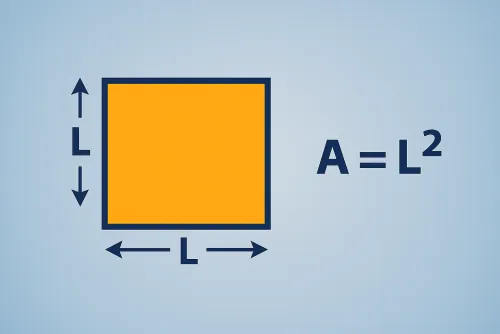
Multiply width by height: A = width × height. Enter both sides and hit Calculate to instantly get area, perimeter, diagonal, and aspect ratio.
Yes. Dot or comma decimals are accepted and validated. When you change the unit, we recalc the main result and all conversions automatically.
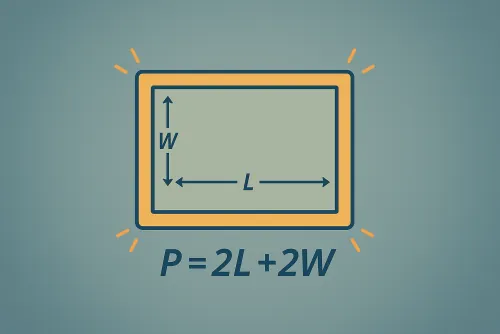
The perimeter is the total outline of the rectangle. It helps you estimate trim, skirting, framing, or any border material.
We apply the Pythagorean theorem: d = √(width² + height²). The diagonal is the longest distance across the rectangle and is handy for comparing screens or panels.
No. Everything is calculated locally in your browser; none of your measurements are saved or transmitted.
Improve this calculator
Send us the example so we can review this calculator and turn real cases into improvements or automated tests.